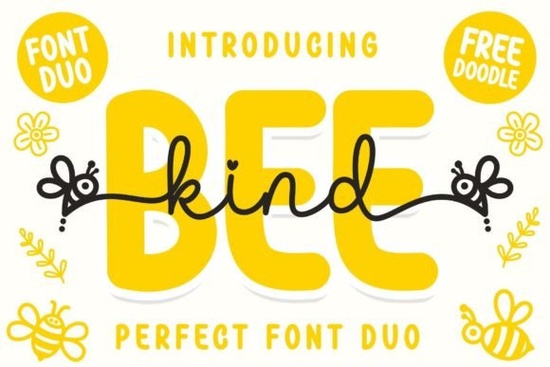
Finding the right typeface for children's products or cheerful designs can be tricky. You want something friendly and readable without looking too generic. The Bee Kind Duo Font offers a solution with its playful vibe. This set includes two distinct styles that work well together, saving you time when pairing letters. Whether you are making nursery decor or selling print-on-demand shirts, having a reliable duo simplifies the design process.
What Makes This Font Pair Work?
The main appeal here is the combination of a script and a sans display style. When you design, contrast is key. The script version brings warmth and a personal touch, while the sans display provides clarity for longer text or headlines. This balance ensures your message is seen clearly while still feeling inviting. Many designers struggle to find two separate fonts that match perfectly, but a pre-made duo removes that guesswork.
Because the theme is inspired by cute bees, the letterforms have soft edges and a bouncy feel. This makes them ideal for projects targeting kids or parents. If you prefer something with more flow, you might explore flowing handwritten styles to see how different scripts handle curvature. However, for a structured yet fun look, this duo stands out.
Where Can You Use These Styles?
Versatility is important when buying digital assets. You want to get enough use out of the file to justify the purchase. Here are a few practical applications for this specific typeface:
- Nursery Wall Art: Print quotes for a child's room using the script for emphasis.
- Apparel Design: Create t-shirts or onesies for babies and toddlers.
- Stickers and Labels: Use the sans style for ingredient lists or product names on handmade goods.
- Greeting Cards: Make birthday or baby shower invitations that feel personal.
If you are working on colorful projects, pairing this with cheerful typography ideas can help you brainstorm color palettes that match the playful energy. The goal is to keep the design cohesive so the font doesn't clash with your illustrations or graphics.
How Does PUA Encoding Help?
You might see the term PUA encoded in the product description and wonder what it means. PUA stands for Private Use Area. In simple terms, this encoding allows you to access special glyphs, swashes, and alternate characters easily within design software. Without it, you might need to copy and paste characters from a separate map.
For users of Cricut Design Space or Silhouette Studio, this is a major time-saver. You can type directly and access the fancy tails or extra loops without hunting through hidden menus. If you enjoy collecting multiple styles for different clients, grabbing a collection of scripts can give you more options, but knowing how to use PUA features ensures you get the most out of every single file you own.
Should You Choose Script or Display?
Since this product includes both, you do not have to choose. However, understanding when to use each style improves your layout. Use the script for short words like "Love," "Baby," or names. Use the sans display for readability on smaller items or when you need all-caps text.
Sometimes you might need something heavier for a headline. In those cases, looking at thicker display letters can give you ideas on weight distribution. The sans style in this duo is bold enough to stand alone, but it shines when paired with its script partner. If you like this setup, you might also appreciate matching font sets that offer similar flexibility for summer-themed designs.
Tips for Better Typography Layouts
Even the best fonts look bad if the spacing is off. When using playful typefaces, give the letters room to breathe. Do not crowd the edges of your canvas. Here is a quick checklist to review before you finalize your design file:
- Check the kerning between specific letter pairs to ensure even spacing.
- Ensure there is enough contrast between the text color and the background.
- Test the design on a mockup to see how it looks on a real product.
- Verify that all swashes are visible and not cut off at the edges.
- Save your file in the correct format for your printing method (PNG, SVG, or PDF).
Taking these small steps ensures your final product looks professional. Whether you are a hobbyist making gifts or a small business owner selling online, attention to detail builds trust with your audience. Start by experimenting with the basic characters before adding too many swashes. Keep it legible first, then add the decorative elements to enhance the mood.
Learn More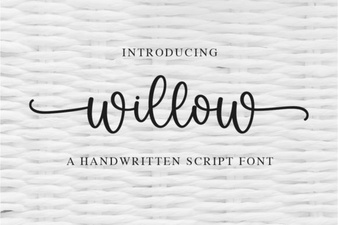 Willow Font: Free Modern Calligraphy Style for Designers
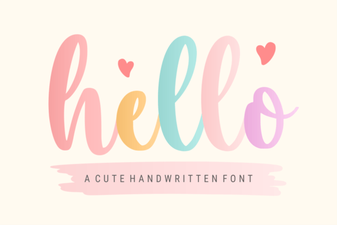 Hello Font: Craft Elegant Typography for Your Designs
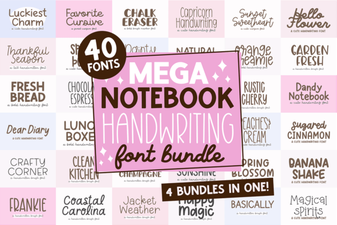 Create Beautiful Handwriting Projects with Mega Notebook Fonts
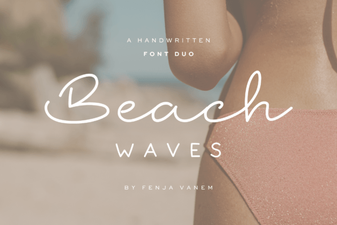 Craft Projects with Beach Waves Duo Font
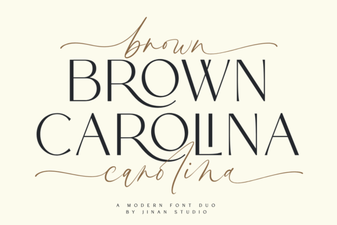 The Brown Carolina Duo Font for Creative Projects
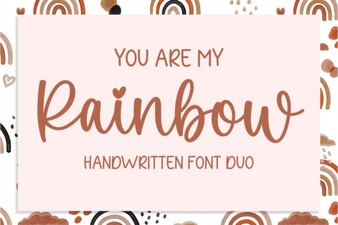 Free Rainbow Font Downloads for Creative Projects